
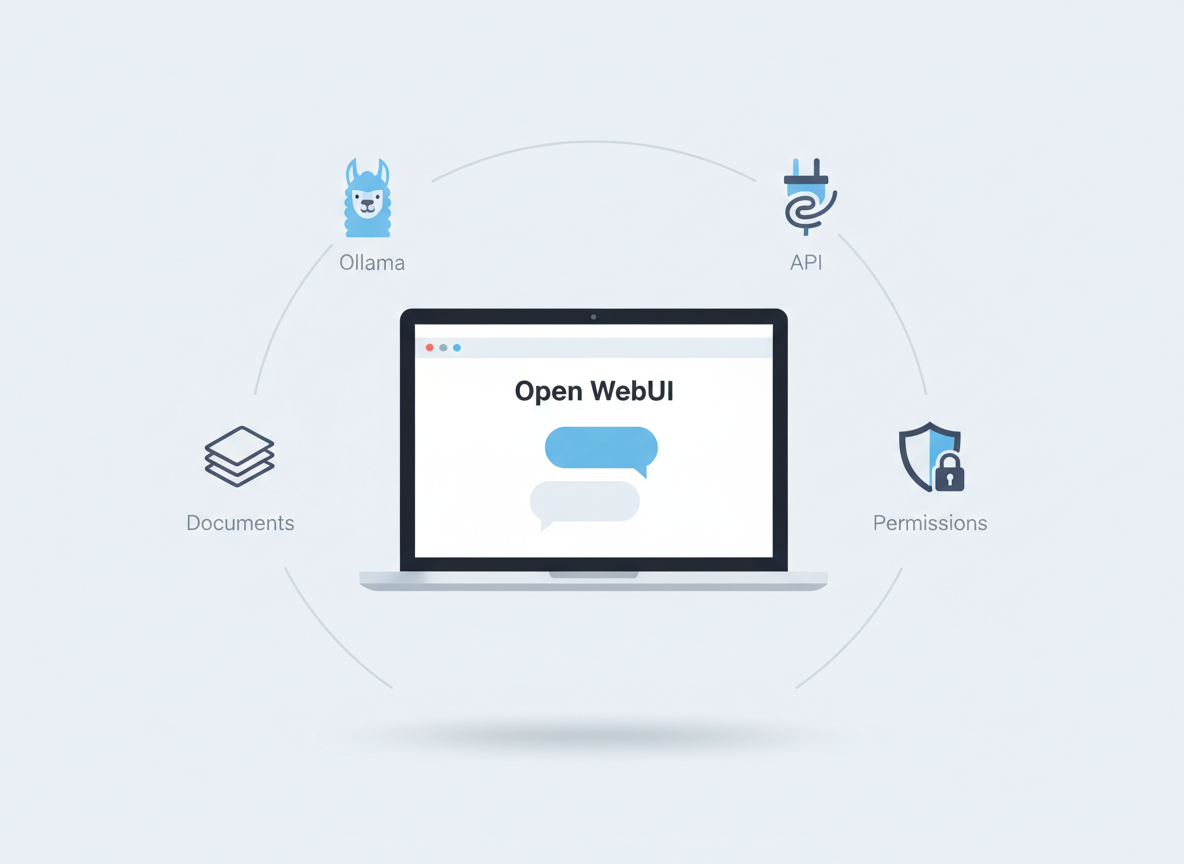
Open WebUI (open-webui/open-webui): what it is and why so many people use it
If you’ve tried running AI models on your own computer or inside your company network, you’ve probably hit the same wall fast: the model might run fine, but the “user experience” is messy.
People end up juggling terminals, scripts, multiple model backends, and a pile of browser tabs. It works for one technical person. It usually doesn’t work for a team.
That’s the problem Open WebUI is trying to solve.
Open WebUI is an open-source, self-hosted web interface for working with large language models (LLMs). The project describes itself as an extensible, feature-rich, user-friendly platform designed to operate entirely offline, with support for different model “runners” (like Ollama) and OpenAI-compatible APIs. It also includes built-in support for RAG (Retrieval Augmented Generation), which is the common pattern where a chat assistant can look up information from your documents before answering.
This post is a plain-English guide to what Open WebUI does, what it connects to, and what you should know before you try it.
What Open WebUI is (in simple terms)
Think of Open WebUI as a “front door” for AI.
- Your users open a web page.
- They chat with an AI assistant.
- Behind the scenes, Open WebUI sends the prompt to a model.
- Optionally, it can pull in relevant text from documents (RAG) to help the model answer.
So Open WebUI is not “the model.” It’s the interface and the glue.
That’s why it’s popular with people who:
- run local models (for privacy, cost control, or offline use)
- want a clean UI for a team
- want a single place to manage models, prompts, and documents
- want basic admin controls like users, roles, and permissions
What it supports (based on the project README)
Open WebUI’s README highlights a few big ideas:
1) It can talk to different model backends
Open WebUI supports:
- Ollama (a common way to run models locally)
- OpenAI-compatible APIs (not just OpenAI itself)
The README calls out that you can point the “OpenAI API URL” at other providers and tools, including LM Studio, Groq Cloud, Mistral, OpenRouter, and more.
In practice, this means you can keep the same UI while swapping the model provider underneath.
2) It’s designed for self-hosting
The README emphasizes “self-hosted” and “offline.” That matters because many companies want:
- data to stay inside their network
- predictable control over where prompts and documents go
- an internal tool that doesn’t depend on a SaaS dashboard
3) It includes RAG features
RAG is one of the most useful “real world” features for business use.
Instead of hoping the model already knows your internal policies, product docs, or procedures, you load documents into a library. When someone asks a question, Open WebUI can retrieve relevant text and include it in the prompt.
The README mentions:
- support for multiple vector databases (it lists 9 options)
- multiple content extraction engines (it lists options like Tika and OCR tools)
- loading documents into chat or a document library
If you’re new to RAG, the key idea is simple: the model answers better when you give it the right context.
4) It has admin controls (roles and permissions)
The README highlights:
- granular permissions and user groups
- role-based access control (RBAC)
That’s important if you want to run this for more than one person. Even a small team usually needs:
- separate accounts
- control over who can add models
- control over who can access certain tools or documents
5) It has “extras” that make it feel like a full app
The README also calls out:
- responsive design (desktop and mobile)
- a Progressive Web App (PWA) option
- Markdown and LaTeX support
- voice/video call features via speech-to-text and text-to-speech providers
- image generation and editing integrations (multiple engines)
- a plugin framework (“Pipelines”) for custom logic
You don’t need all of these to get value. But they show the project is trying to be more than “a chat box.”
Who Open WebUI is for
Open WebUI tends to fit best when you’re in one of these situations:
You want local AI, but you want it usable
Running a model locally is one thing. Making it usable for other people is another.
Open WebUI gives you a browser-based UI so you’re not asking everyone to learn command line tools.
You want one UI for multiple model providers
Many teams are experimenting:
- a local model for private tasks
- a hosted model for higher-quality writing
- different models for different jobs
Open WebUI aims to make that manageable from one place.
You want to add documents so answers are grounded
If you want an assistant that can answer questions about:
- internal policies
- product documentation
- onboarding guides
- technical runbooks
…you usually need RAG.
You want basic governance
Even if you’re not a big enterprise, you still care about:
- who can access the system
- what data gets uploaded
- what tools can be used
Open WebUI’s focus on roles and permissions is a practical signal that it’s built for teams, not just hobby use.
How people typically install it
The README describes two common paths:
Option A: Docker (most common for self-hosting)
Docker is popular because it packages the app and dependencies together.
The README includes a warning that you should mount persistent storage (a Docker volume) so you don’t lose your database.
It also mentions different images/tags for:
- bundled Ollama support
- CUDA acceleration (for Nvidia GPUs)
Option B: Python pip (more “native”)
The README also describes a pip install method and notes Python 3.11 compatibility.
This path can be useful if you’re comfortable managing Python environments, but for most teams Docker is simpler to repeat and maintain.
A simple mental model: the 4 moving parts
If you’re evaluating Open WebUI, it helps to separate the system into four pieces:
- The UI (Open WebUI): the web app people use.
- The model backend: Ollama or an OpenAI-compatible API.
- The data layer: a database for settings/users plus storage for files.
- The knowledge layer (optional): documents + vector database for RAG.
When something breaks, it’s usually one of these four.
For example:
- “The UI loads but answers never come back” is often a model backend connection issue.
- “It worked yesterday but now my chats are gone” is often missing persistent storage.
- “RAG answers are wrong” is often document extraction or retrieval configuration.
What to watch out for (practical, not scary)
Self-hosting is empowering, but it comes with responsibilities. Here are the common gotchas implied by the README and typical self-hosted patterns.
1) Networking between containers and model servers
The README includes a troubleshooting note about a common issue: the WebUI container can’t reach an Ollama server at 127.0.0.1 inside the container.
Plain English: “localhost” inside a container is not the same as “localhost” on your computer.
If you’re running Ollama on the host machine and Open WebUI in Docker, you may need to adjust networking (for example, using host networking in some setups).
2) Persistence (don’t lose your data)
If you don’t mount a volume for the app’s data, you can lose:
- users
- settings
- chat history
- document library metadata
The README explicitly warns about mounting the data directory when using Docker.
3) Security and access control
If you expose Open WebUI to the internet, treat it like any other internal app:
- put it behind a reverse proxy
- use HTTPS
- restrict access (VPN, SSO, IP allowlists, or at least strong authentication)
- keep it updated
Open WebUI mentions enterprise authentication options (like LDAP/AD and SSO) in its feature list, but even without those, you should plan basic security hygiene.
4) Expectations: it’s a UI, not magic
Open WebUI can make models easier to use, but it doesn’t change the core limits of LLMs:
- they can be wrong
- they can sound confident when they’re guessing
- they need good context for business-specific questions
That’s why RAG and clear internal documentation still matter.
Where Open WebUI fits in a real business workflow
Here are a few realistic ways teams use a tool like this.
Internal knowledge assistant
Load:
- policies
- SOPs
- product docs
- HR/IT guides
Then let staff ask questions in natural language.
The win is speed: people stop interrupting the “one person who knows everything.”
Drafting and rewriting
Use a stronger hosted model (via OpenAI-compatible API) for:
- rewriting emails
- summarising notes
- creating first drafts
The win is consistency and time saved.
Engineering support
Use local models for:
- code explanations
- quick architecture brainstorming
- generating test cases
The win is privacy and convenience.
Controlled experimentation
If your team is trying different models, Open WebUI can act as the “common interface” so feedback is about the model quality, not about who has the best setup.
A quick checklist before you try it
If you want a smooth first run, this checklist helps:
- Decide your model backend first (Ollama local vs OpenAI-compatible API).
- Decide where it will run (laptop, server, VM, Kubernetes).
- Make persistence non-negotiable (mount volumes, back up data).
- Start private (local network) before exposing it publicly.
- If you plan RAG, start with a small document set and test retrieval quality.
Where to learn more
The best starting points are the project’s README and documentation hub:
- GitHub repo: https://github.com/open-webui/open-webui
- Docs: https://docs.openwebui.com/
If you’re evaluating it for a team, spend time on the docs sections about installation, updating, and RAG features. Those are the areas that most affect day-to-day reliability.
Get in touch to learn more. I can give you a quick Open WebUI walkthrough and help you set it up.
No responses yet